
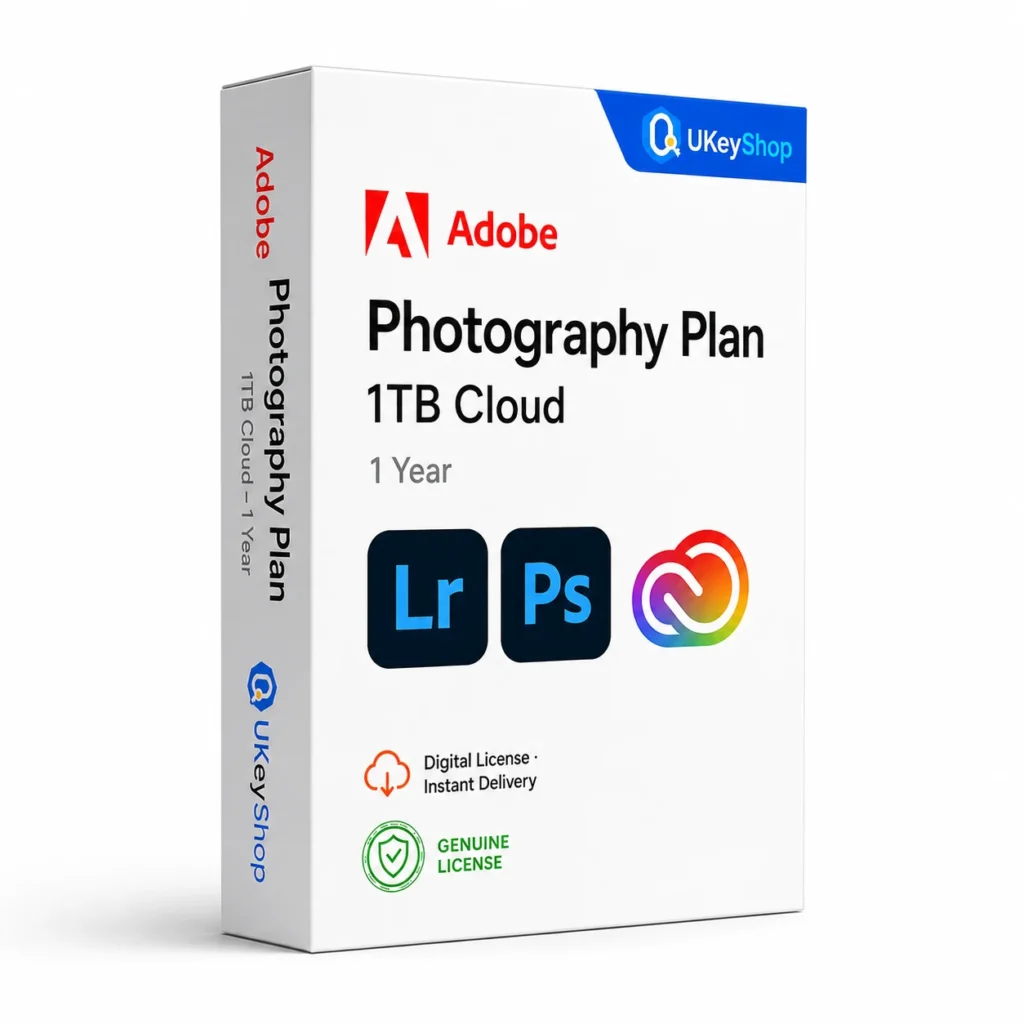
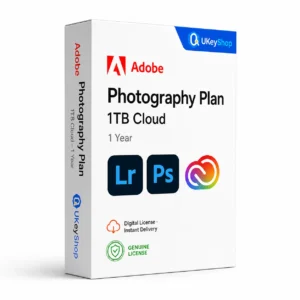
Adobe Photography Plan – 1TB Cloud (1 Year): check the edition, platform, licence term and device scope before ordering. Digital delivery with clear setup guidance.
- Delivery method / timing
- Email, instant
Product details
Adobe Photography Plan – 1TB Cloud
The Adobe Photography plan connects photo organisation with detailed image editing. Lightroom and Lightroom Classic support the photographic workflow, while Photoshop is useful when an image needs more involved retouching or composition. Choose a storage tier around your library and account eligibility, not just the size written in a product title.
What this edition is for
Choose this application by the task and the named edition, rather than assuming every product from the same brand is interchangeable. Check a representative file or project and the supported platform before replacing an existing installation.
Useful capabilities
- Organise and edit photographs with Lightroom applications.
- Use Photoshop for image retouching and composition.
- Plan local originals and cloud storage as separate parts of the library.
| Application | Adobe Photography Plan – 1TB Cloud |
|---|---|
| Workflow | Photography |
Who should consider it
A useful fit for photographers who need the specified Adobe photo applications.
Adobe stopped offering the 20GB plan to new subscribers in 2025. Existing subscriptions and unused qualifying retail codes need an eligibility check; a current 1TB plan page does not prove an old code can be newly redeemed.
A practical workflow
Keep full-resolution source images in a backed-up library. Decide which collections need cloud access and which remain local. Test the editing and synchronisation workflow with a small collection before moving a large archive or changing the Adobe account used for it.
System requirements and compatibility
Check the publisher’s documentation for the named release before installing. The supported operating system, processor, memory, graphics, storage and any host application need to fit the actual computer. Minimum requirements do not guarantee comfortable performance for every project.
Publisher references: official product or release documentation · additional publisher guidance.
Installation and activation
- Use your own eligible Adobe ID or the authorised organisation profile.
- Follow the Adobe redemption or assignment route for the exact SKU. Elements 2025 and later have a dedicated redemption process.
- Install the entitled application from Adobe and confirm access under the correct account. Do not use Windows Change product key to activate Adobe software.
Licence details to check before purchase
The software feature set and the licence entitlement are separate. Confirm the permitted users, devices or cores, activation region, duration and start date, account ownership, and any transfer or upgrade rights for this particular offer. Online services, add-ons and major upgrades should only be expected when the supplied entitlement includes them.
Compare related options
Frequently asked questions
Is the Photography plan the same as Lightroom alone?
No. Adobe distinguishes its Photography plan, which includes Photoshop, from Lightroom-only options. Match the subscription name and storage tier to the actual entitlement.
How do I check whether this offer matches my computer?
Match the application name, edition and release first, then review the publisher’s platform and hardware requirements. For bundles, check every component. If the licence type or account eligibility is unclear, clarify it before ordering.
Does the licence include every future upgrade or online service?
Only if the supplied entitlement explicitly covers it. Continuing use of a desktop release, access to an online service and an upgrade to a newer generation are different rights.
Product & licence information
- Activation region
- Worldwide
- Delivery method / timing
- Email, instant
- SKU
- UKEYSHOP656214623
Need clarification on the licence channel, term or device scope? Ask us before ordering; do not assume rights that are not stated in this listing. Ask about this product
What's included
- Product listingAdobe Photography Plan - 1TB Cloud (1 Year): check the edition, platform, licence term and device scope before ordering. Digital delivery with clear setup guidance.
- Delivery informationCheck your order confirmation for fulfilment details and any supplied instructions.
- Need help?Contact support with your order number and product name.
How activation works
Customer reviews
4 reviews for Adobe Photography Plan – 1TB Cloud (1 Year)
Only logged in customers who have purchased this product may leave a review.
Related products
-
Sale
 Creative CloudAdd to cart
Adobe Express Premium (1 Year)
Original price was: $89.90.$34.90Current price is: $34.90. -
Sale
 Creative CloudAdd to cart
Adobe Premiere Elements 2026
Original price was: $119.90.$89.90Current price is: $89.90. -
Sale
 Creative CloudAdd to cart
Adobe Photoshop Elements 2026
Original price was: $119.90.$89.90Current price is: $89.90. -
Sale
 Creative CloudAdd to cart
Adobe Photography Plan - 20GB (1 Year)
Original price was: $24.90.$14.90Current price is: $14.90.
Miguel Foster –
Five stars
Wasn’t sure about buying software this cheap, but Adobe Photography Plan – 1TB Cloud (1 Year) activated officially and works flawlessly. Pleasant surprise.
Valentina Santoro –
No complaints
Wasn’t sure about buying software this cheap, but Adobe Photography Plan – 1TB Cloud (1 Year) activated officially and works flawlessly. Pleasant surprise.
Yuki Horvat –
Solid purchase
Wasn’t sure about buying software this cheap, but Adobe Photography Plan – 1TB Cloud (1 Year) activated officially and works flawlessly. Pleasant surprise.
Sophie73 –
Good, with a small hiccup
Key worked as promised. Had a small question about activation and support answered within a couple of hours.