
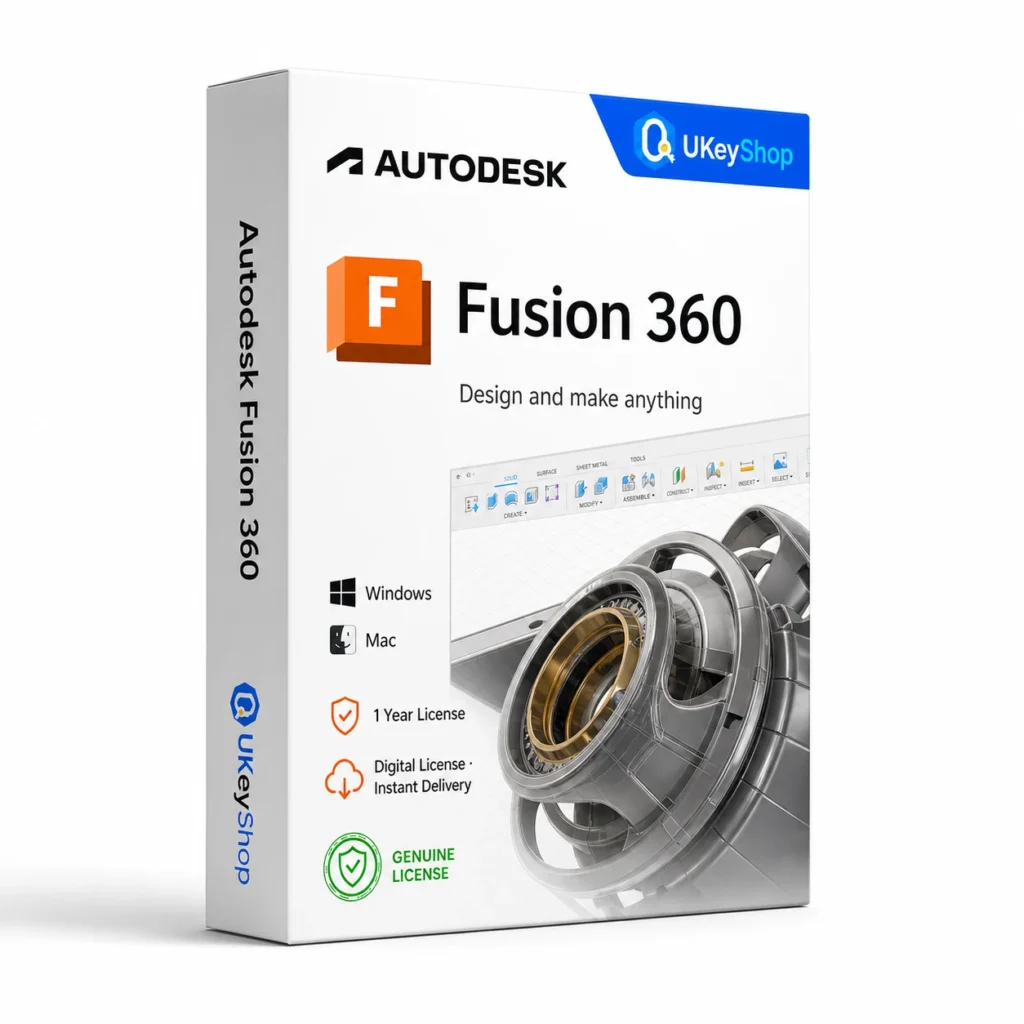
Autodesk Fusion 360 (Windows/Mac, 1 Year): check the edition, platform, licence term and device scope before ordering. Digital delivery with clear setup guidance.
- Delivery method / timing
- Email, instant
Product details
Autodesk Fusion 360 (Windows/Mac, 1 Year)
Autodesk Fusion combines connected product-design and manufacturing workflows in a cloud-linked environment. It is useful when modelling and downstream work need to stay related. The core subscription and paid extensions are different entitlements, so a broad feature headline must not be treated as a promise that every extension is included.
What this edition is for
Choose this application by the task and the named edition, rather than assuming every product from the same brand is interchangeable. Check a representative file or project and the supported platform before replacing an existing installation.
Useful capabilities
- Plan a connected design-to-manufacturing workflow around the product you are building.
- Organise project access and data before moving an existing team workflow.
- Compare the core plan with any specialist extension needed for the job.
| Application | Autodesk Fusion 360 (Windows/Mac, 1 Year) |
|---|---|
| Workflow | Design and manufacturing |
Who should consider it
A useful fit for product-design workflows suited to the supplied Fusion plan.
Do not assume automatic inclusion of every paid manufacturing, simulation or data-management extension.
A practical workflow
Start with the task you need to finish and a representative project or file. Keep an original copy while testing a different application or release, and review the saved output before relying on it. Select the exact edition and platform used in the workflow rather than assuming every product under the same brand behaves identically. Additional services, plug-ins and future upgrades are separate offer details unless they are expressly included.
System requirements and compatibility
Check the publisher’s documentation for the named release before installing. The supported operating system, processor, memory, graphics, storage and any host application need to fit the actual computer. Minimum requirements do not guarantee comfortable performance for every project.
Publisher references: official product or release documentation.
Installation and activation
- Confirm named-user assignment, permitted use and the application release on the actual Autodesk entitlement.
- Install through the appropriate Autodesk account and sign in as the authorised user.
- Verify access in the application and keep host-app or plug-in compatibility requirements separate.
Licence details to check before purchase
The software feature set and the licence entitlement are separate. Confirm the permitted users, devices or cores, activation region, duration and start date, account ownership, and any transfer or upgrade rights for this particular offer. Online services, add-ons and major upgrades should only be expected when the supplied entitlement includes them.
Compare related options
Frequently asked questions
Are all Fusion extensions included?
They should not be assumed. Match any advanced extension requirement to the actual subscription entitlement.
How do I check whether this offer matches my computer?
Match the application name, edition and release first, then review the publisher’s platform and hardware requirements. For bundles, check every component. If the licence type or account eligibility is unclear, clarify it before ordering.
Does the licence include every future upgrade or online service?
Only if the supplied entitlement explicitly covers it. Continuing use of a desktop release, access to an online service and an upgrade to a newer generation are different rights.
Product & licence information
- Activation region
- Worldwide
- Delivery method / timing
- Email, instant
- SKU
- UKEYSHOP758837302
Need clarification on the licence channel, term or device scope? Ask us before ordering; do not assume rights that are not stated in this listing. Ask about this product
What's included
- Product listingAutodesk Fusion 360 (Windows/Mac, 1 Year): check the edition, platform, licence term and device scope before ordering. Digital delivery with clear setup guidance.
- Delivery informationCheck your order confirmation for fulfilment details and any supplied instructions.
- Need help?Contact support with your order number and product name.
How activation works
Customer reviews
6 reviews for Autodesk Fusion 360 (Windows/Mac, 1 Year)
Only logged in customers who have purchased this product may leave a review.
Related products
-
Sale
 Modelling CADAdd to cart
Solidworks 2026 - Student
Original price was: $99.90.$49.90Current price is: $49.90. -
Sale
 Modelling CADAdd to cart
Autodesk AutoCAD LT (Mac, 1 Year)
Original price was: $99.90.$39.90Current price is: $39.90. -
Sale
 Modelling CADAdd to cart
Autodesk Advance Steel (Windows, 1 Year)
Original price was: $109.90.$54.90Current price is: $54.90. -
Sale
 Modelling CADAdd to cart
Autodesk Inventor Pro (Windows, 1 Year)
Original price was: $109.90.$54.90Current price is: $54.90.
Salma Morris –
Reliable seller
Upgraded an old laptop with Autodesk Fusion 360 (Windows/Mac, 1 Year). Key worked on first attempt, all updates installing normally. Great value compared to retail. Will come back for my next license.
Ivan Peterson –
Quick and easy
Was skeptical because of the price, but the key activated Autodesk Fusion 360 (Windows/Mac, 1 Year) instantly through Microsoft’s servers. Did a clean install from the official ISO and everything validated.
Zoe D. –
Fast delivery
Key arrived in my inbox about a few minutes after payment. Activated Autodesk Fusion 360 (Windows/Mac, 1 Year) online on the first try, no phone activation needed. Genuine license, Windows Update works fine.
Meryem El Fassi –
Highly recommended
Was skeptical because of the price, but the key activated Autodesk Fusion 360 (Windows/Mac, 1 Year) instantly through Microsoft’s servers. Did a clean install from the official ISO and everything validated.
Sofiane67 –
Quick and easy
Key arrived in my inbox about less than 10 minutes after payment. Activated Autodesk Fusion 360 (Windows/Mac, 1 Year) online on the first try, no phone activation needed. Genuine license, Windows Update works fine. Will come back for my next license.
Mei B. –
Impressed
Ordered at 11pm, key was in my email before I finished my coffee. Autodesk Fusion 360 (Windows/Mac, 1 Year) activated online without any workaround. Recommended.