
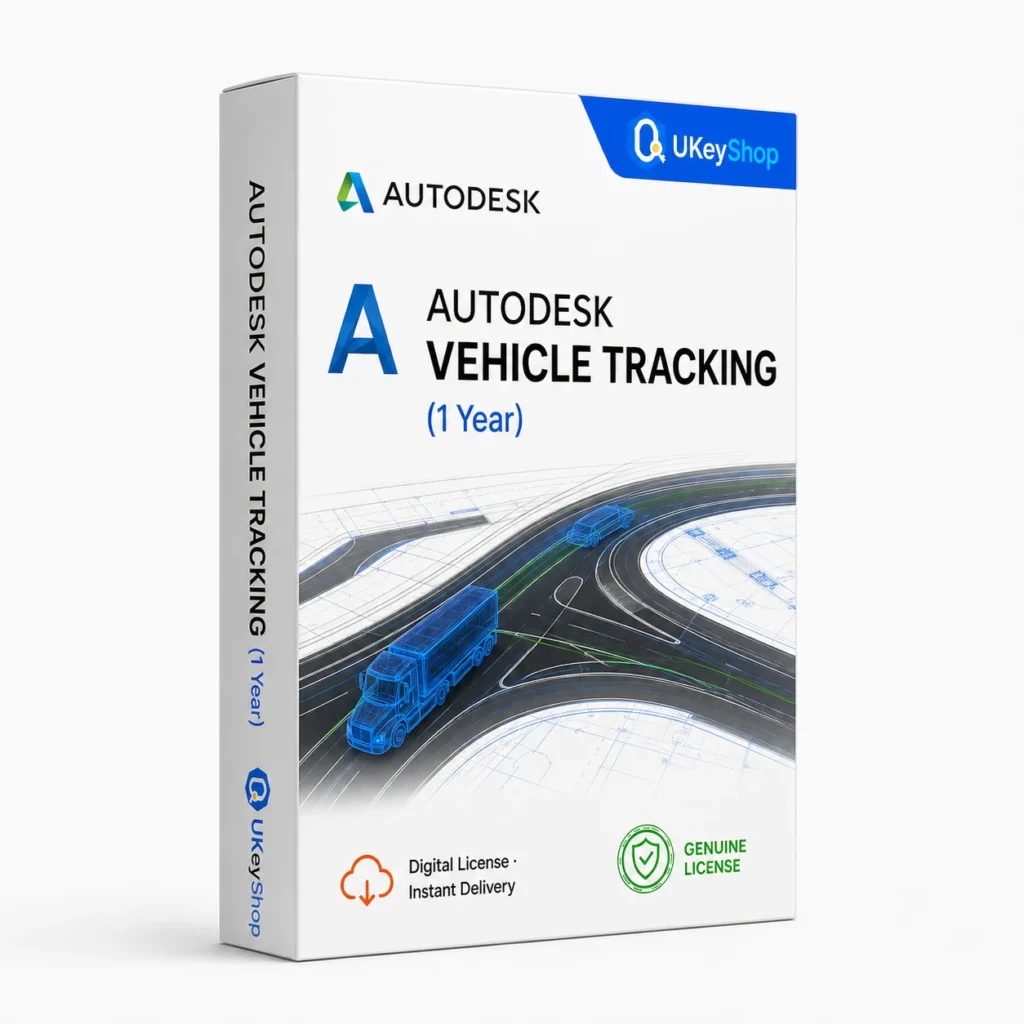
Autodesk Vehicle Tracking (1 Year): check the edition, platform, licence term and device scope before ordering. Digital delivery with clear setup guidance.
- Delivery method / timing
- Email, instant
Product details
Autodesk Vehicle Tracking
Vehicle Tracking supports vehicle-movement and swept-path analysis in a compatible design workflow. It is useful when a site or infrastructure design needs to account for the space a vehicle uses while moving. A compatible host application and professional interpretation remain part of the project.
What this edition is for
Choose this application by the task and the named edition, rather than assuming every product from the same brand is interchangeable. Check a representative file or project and the supported platform before replacing an existing installation.
Useful capabilities
- Evaluate a vehicle path in relation to the proposed design.
- Plan access and movement requirements before the final drawing handoff.
- Document analysis assumptions for the wider design-review process.
| Application | Autodesk Vehicle Tracking |
|---|---|
| Workflow | Transport analysis |
Who should consider it
A useful fit for designers assessing vehicle movement in a compatible CAD environment.
Do not assume a standalone guarantee of safe access or an assumed included host-CAD licence.
A practical workflow
Start with the task you need to finish and a representative project or file. Keep an original copy while testing a different application or release, and review the saved output before relying on it. Select the exact edition and platform used in the workflow rather than assuming every product under the same brand behaves identically. Additional services, plug-ins and future upgrades are separate offer details unless they are expressly included.
System requirements and compatibility
Check the publisher’s documentation for the named release before installing. The supported operating system, processor, memory, graphics, storage and any host application need to fit the actual computer. Minimum requirements do not guarantee comfortable performance for every project.
Publisher references: official product or release documentation.
Installation and activation
- Confirm named-user assignment, permitted use and the application release on the actual Autodesk entitlement.
- Install through the appropriate Autodesk account and sign in as the authorised user.
- Verify access in the application and keep host-app or plug-in compatibility requirements separate.
Licence details to check before purchase
The software feature set and the licence entitlement are separate. Confirm the permitted users, devices or cores, activation region, duration and start date, account ownership, and any transfer or upgrade rights for this particular offer. Online services, add-ons and major upgrades should only be expected when the supplied entitlement includes them.
Compare related options
Frequently asked questions
Does this offer replace the host CAD application?
No. The vendor’s workflow uses a compatible host such as Civil 3D. Host access and release compatibility should be established separately.
How do I check whether this offer matches my computer?
Match the application name, edition and release first, then review the publisher’s platform and hardware requirements. For bundles, check every component. If the licence type or account eligibility is unclear, clarify it before ordering.
Does the licence include every future upgrade or online service?
Only if the supplied entitlement explicitly covers it. Continuing use of a desktop release, access to an online service and an upgrade to a newer generation are different rights.
Product & licence information
- Activation region
- Worldwide
- Delivery method / timing
- Email, instant
- SKU
- UKEYSHOP355245619
Need clarification on the licence channel, term or device scope? Ask us before ordering; do not assume rights that are not stated in this listing. Ask about this product
What's included
- Product listingAutodesk Vehicle Tracking (1 Year): check the edition, platform, licence term and device scope before ordering. Digital delivery with clear setup guidance.
- Delivery informationCheck your order confirmation for fulfilment details and any supplied instructions.
- Need help?Contact support with your order number and product name.
How activation works
Customer reviews
2 reviews for Autodesk Vehicle Tracking (1 Year)
Only logged in customers who have purchased this product may leave a review.
Related products
-
Sale
 RenderingAdd to cart
Autodesk Media & Entertainment Collection (1 Year)
Original price was: $259.90.$129.90Current price is: $129.90. -
Sale
 RenderingAdd to cart
Autodesk Robot Structural Analysis (1 Year)
Original price was: $149.90.$74.90Current price is: $74.90. -
Sale
 RenderingAdd to cart
Ashampoo Home Design 8 (Lifetime)
Original price was: $59.90.$24.90Current price is: $24.90. -
Sale
 RenderingAdd to cart
Autodesk Navisworks Manage (1 Year)
Original price was: $109.90.$54.90Current price is: $54.90.
Ashley Marino –
Perfect
License for Autodesk Vehicle Tracking (1 Year) delivered in under 15 minutes. Followed the included guide, activation was smooth. Running it daily for professional projects.
Michael A. –
Would buy again
As an architect I was careful about where to buy. Autodesk Vehicle Tracking (1 Year) activated on my Autodesk account without any issue and all features are unlocked. Serious seller.