
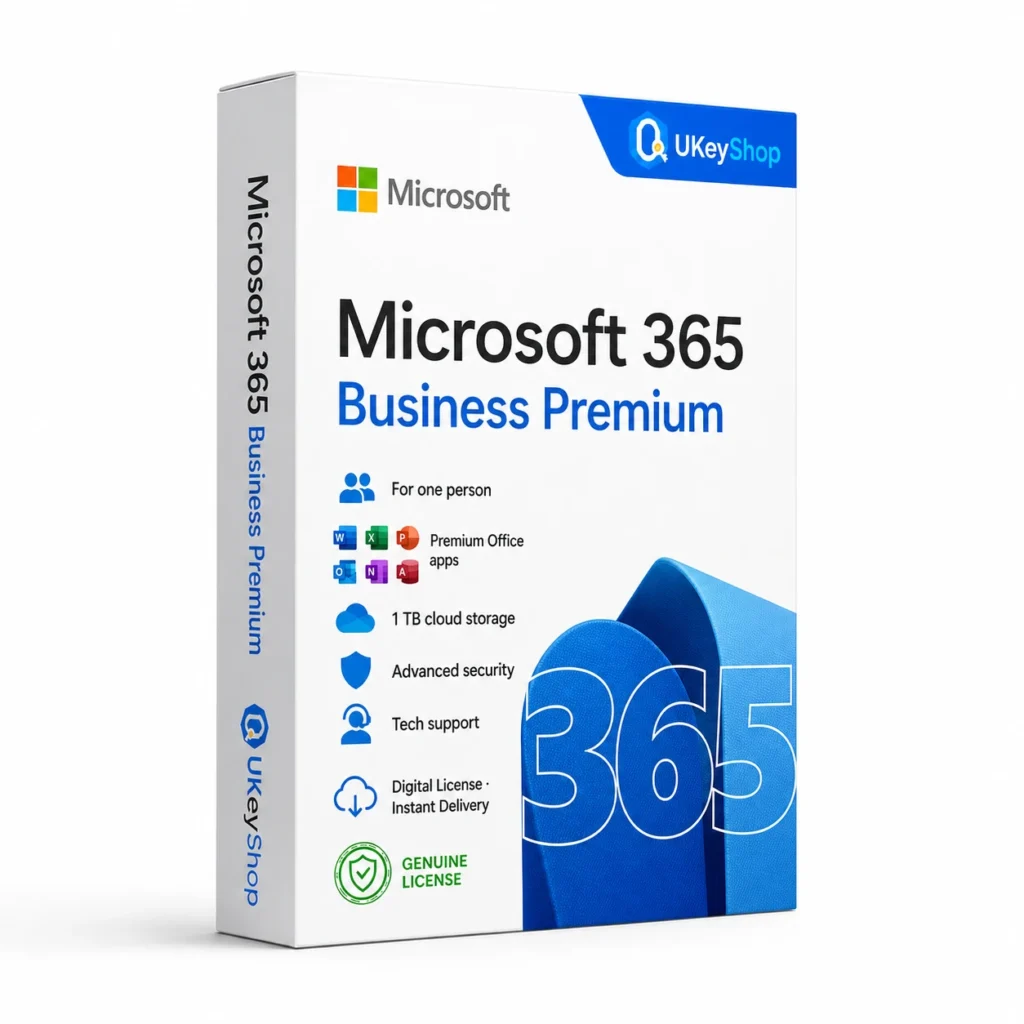
Microsoft 365 Business Premium: check the edition, platform, licence term and device scope before ordering. Digital delivery with clear setup guidance.
- Delivery method / timing
- Email, instant
Product details
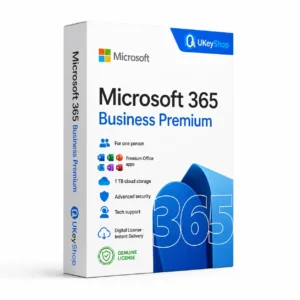
Microsoft 365 Business Premium
Microsoft 365 is a subscription for productivity applications and connected services. Its value is not just opening an Office file: it also depends on the account, storage and business services attached to the plan. Personal, Family, Business Standard and Business Premium serve different needs and should be compared as separate subscriptions.
What this edition is for
Business Standard and Business Premium have different service and security scope. Confirm the customer tenant, user entitlement and any market-specific Teams packaging.
Useful capabilities
- Work with subscription-based productivity tools rather than buying a fixed Office release each time your needs change.
- Plan access around the actual users who need their own accounts, documents and storage.
- Choose personal-account or business-tenant management before you start migrating files or setting up company email.
| Application | Microsoft 365 Business Premium |
|---|---|
| Workflow | Microsoft 365 |
Who should consider it
A useful fit for ongoing productivity work where an active subscription and connected account are useful.
Do not assume a perpetual Office purchase, an unlimited-user organisation licence or automatic inclusion of every Microsoft add-on.
A practical workflow
Identify who owns the account and who needs access before redeeming a subscription. Keep business files and administration arrangements under the correct organisation account. Plan a move from an existing plan around renewal dates and file access; a second code does not automatically mean a seamless extension. Storage, seats and additional services must be stated in the offer rather than assumed from another market’s plan page.
System requirements and compatibility
Check the publisher’s documentation for the named release before installing. The supported operating system, processor, memory, graphics, storage and any host application need to fit the actual computer. Minimum requirements do not guarantee comfortable performance for every project.
Publisher references: official product or release documentation · additional publisher guidance.
Installation and activation
- Confirm the account or customer tenant and whether the purchase is a new subscription or an eligible extension.
- Redeem or assign the verified entitlement through the appropriate Microsoft account or organisation route.
- Check the account’s plan and expiry, then install or sign into the applications covered by that plan.
Licence details to check before purchase
The software feature set and the licence entitlement are separate. Confirm the permitted users, devices or cores, activation region, duration and start date, account ownership, and any transfer or upgrade rights for this particular offer. Online services, add-ons and major upgrades should only be expected when the supplied entitlement includes them.
Compare related options
Frequently asked questions
Will a home plan replace a business tenant?
Not directly. Home and business plans use different account and administration arrangements. A company needing managed users or its own email domain should evaluate a business plan.
How do I check whether this offer matches my computer?
Match the application name, edition and release first, then review the publisher’s platform and hardware requirements. For bundles, check every component. If the licence type or account eligibility is unclear, clarify it before ordering.
Does the licence include every future upgrade or online service?
Only if the supplied entitlement explicitly covers it. Continuing use of a desktop release, access to an online service and an upgrade to a newer generation are different rights.
Product & licence information
- Activation region
- Worldwide
- Delivery method / timing
- Email, instant
- SKU
- UKEYSHOP155564271
Need clarification on the licence channel, term or device scope? Ask us before ordering; do not assume rights that are not stated in this listing. Ask about this product
What's included
- Product listingMicrosoft 365 Business Premium: check the edition, platform, licence term and device scope before ordering. Digital delivery with clear setup guidance.
- Delivery informationCheck your order confirmation for fulfilment details and any supplied instructions.
- Need help?Contact support with your order number and product name.
How activation works
Customer reviews
6 reviews for Microsoft 365 Business Premium
Only logged in customers who have purchased this product may leave a review.
Related products
-
Sale
 Office 2016Add to cart
Office 2016 Professional Plus
Original price was: $116.16.$53.28Current price is: $53.28. -
Sale
 Office 2024Add to cart
Office 2024 Home & Business
Original price was: $266.44.$94.85Current price is: $94.85. -
Sale
 OfficeAdd to cart
Microsoft 365 Personal
Original price was: $89.99.$49.99Current price is: $49.99. -
Sale
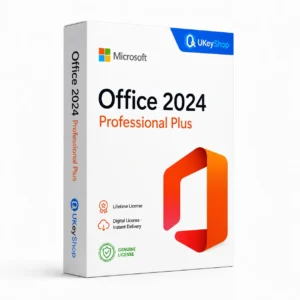 Office 2024Add to cart
Office 2024 Professional Plus
Original price was: $515.84.$181.18Current price is: $181.18.
Lina H. –
Would buy again
Installed Microsoft 365 Business Premium on my PC, activation went through Microsoft’s servers with no issue. Lifetime license at this price is unbeatable. 10/10.
Valentina96 –
Genuine key
Delivery took 2 minutes. Activation was straightforward and the license shows as genuine in my account. Very happy with Microsoft 365 Business Premium.
Nina Morel –
Great support
Delivery took less than 10 minutes. Activation was straightforward and the license shows as genuine in my account. Very happy with Microsoft 365 Business Premium.
Julien Baker –
No complaints
Delivery took about 5 minutes. Activation was straightforward and the license shows as genuine in my account. Very happy with Microsoft 365 Business Premium. Recommended.
Olivia E. –
Reliable seller
Everything as described. Microsoft 365 Business Premium works flawlessly, all apps included. Support answered my question about reinstalling within an hour.
Elena Fischer –
Good, with a small hiccup
Delivery was quick and the key worked, though the email landed in my spam folder — check there if you don’t see it.