
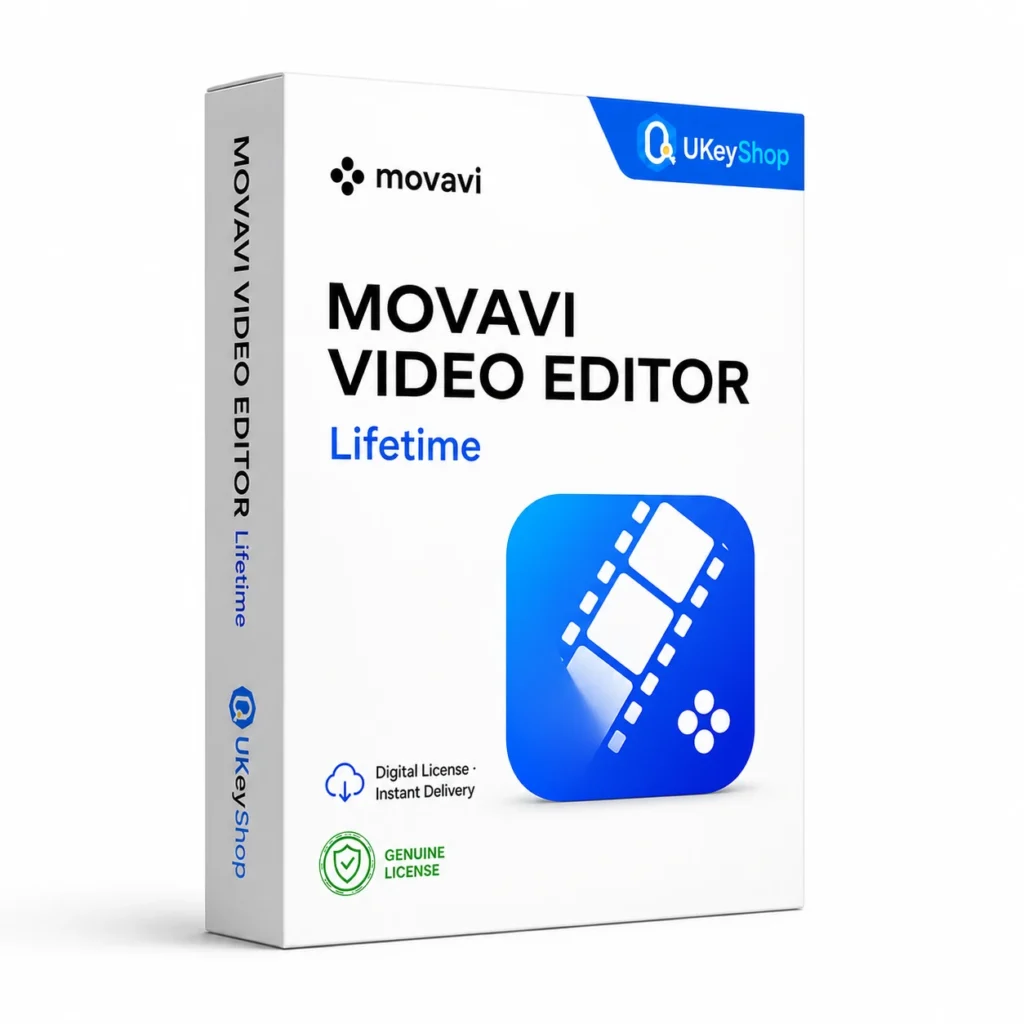
Movavi Video Editor (Lifetime): check the edition, platform, licence term and device scope before ordering. Digital delivery with clear setup guidance.
- Delivery method / timing
- Email, instant
Product details
Movavi Video Editor
Movavi Video Editor is for making a finished sequence from separate video clips, music and titles. It suits a creator who needs to tell a clear story rather than simply change a file extension. The release and platform supplied should be identified before comparing a one-time application purchase with current subscription or effects-pack offers.
What this edition is for
Choose this application by the task and the named edition, rather than assuming every product from the same brand is interchangeable. Check a representative file or project and the supported platform before replacing an existing installation.
Useful capabilities
- Cut and arrange footage for a deliberate sequence.
- Add titles, overlays and transitions to explain the content.
- Bring music into the edit and check it against the spoken or visual story.
| Application | Movavi Video Editor |
|---|---|
| Workflow | Video editing |
Who should consider it
A useful fit for creators preparing straightforward personal and promotional videos.
Current effects bundles and subscription-only benefits are not proof of what an unspecified Lifetime offer includes. Confirm the application generation and operating system.
A practical workflow
Collect footage and audio before creating the first sequence. Test a representative clip, then check the intended export on the viewing device. Keep the project and source files available for later revisions, and verify rights to music or graphics used commercially.
System requirements and compatibility
Check the publisher’s documentation for the named release before installing. The supported operating system, processor, memory, graphics, storage and any host application need to fit the actual computer. Minimum requirements do not guarantee comfortable performance for every project.
Publisher references: official product or release documentation · additional publisher guidance.
Installation and activation
- Confirm the application release and download its matching official installer.
- Use the vendor’s application, account or licence-manager activation route for the entitlement supplied.
- Verify the edition and access status inside the correct application before moving an important project into it.
Licence details to check before purchase
The software feature set and the licence entitlement are separate. Confirm the permitted users, devices or cores, activation region, duration and start date, account ownership, and any transfer or upgrade rights for this particular offer. Online services, add-ons and major upgrades should only be expected when the supplied entitlement includes them.
Compare related options
Frequently asked questions
Does buying the editor include every effects pack?
Not automatically. The application, optional creative packs and upgrade entitlement are separate details. Compare the actual supplied plan instead of copying a current bundle description.
How do I check whether this offer matches my computer?
Match the application name, edition and release first, then review the publisher’s platform and hardware requirements. For bundles, check every component. If the licence type or account eligibility is unclear, clarify it before ordering.
Does the licence include every future upgrade or online service?
Only if the supplied entitlement explicitly covers it. Continuing use of a desktop release, access to an online service and an upgrade to a newer generation are different rights.
Product & licence information
- Activation region
- Worldwide
- Delivery method / timing
- Email, instant
- SKU
- UKEYSHOP792987197
Need clarification on the licence channel, term or device scope? Ask us before ordering; do not assume rights that are not stated in this listing. Ask about this product
What's included
- Product listingMovavi Video Editor (Lifetime): check the edition, platform, licence term and device scope before ordering. Digital delivery with clear setup guidance.
- Delivery informationCheck your order confirmation for fulfilment details and any supplied instructions.
- Need help?Contact support with your order number and product name.
How activation works
Customer reviews
6 reviews for Movavi Video Editor (Lifetime)
Only logged in customers who have purchased this product may leave a review.
Related products
-
Sale
 Video-EditingAdd to cart
Wondershare Filmora (1 Year)
Original price was: $89.90.$44.90Current price is: $44.90. -
Sale
 Video-EditingAdd to cart
Movavi Video Converter (Lifetime)
Original price was: $59.90.$29.90Current price is: $29.90. -
Sale
 Video-EditingAdd to cart
Corel VideoStudio Pro 2023
Original price was: $69.90.$34.90Current price is: $34.90. -
Sale
 Video-EditingAdd to cart
Pinnacle Studio 26 Ultimate (Lifetime)
Original price was: $139.90.$54.90Current price is: $54.90.
Hassan Anderson –
Reliable seller
Got Movavi Video Editor (Lifetime) for my editing projects. License activated on first try and all pro features are unlocked. Delivery was super fast. Will come back for my next license.
Mia55 –
Impressed
Wasn’t sure about buying software this cheap, but Movavi Video Editor (Lifetime) activated officially and works flawlessly. Pleasant surprise.
Nina5 –
Fast delivery
Got Movavi Video Editor (Lifetime) for my editing projects. License activated on first try and all pro features are unlocked. Delivery was super fast.
Alice25 –
Reliable seller
Wasn’t sure about buying software this cheap, but Movavi Video Editor (Lifetime) activated officially and works flawlessly. Pleasant surprise.
Alice Rogers –
Decent purchase
Took me a minute to find the download link, but support replied fast and everything activated fine. Thanks!
Astrid26 –
Great support
Got Movavi Video Editor (Lifetime) for my editing projects. License activated on first try and all pro features are unlocked. Delivery was super fast. Will come back for my next license.