
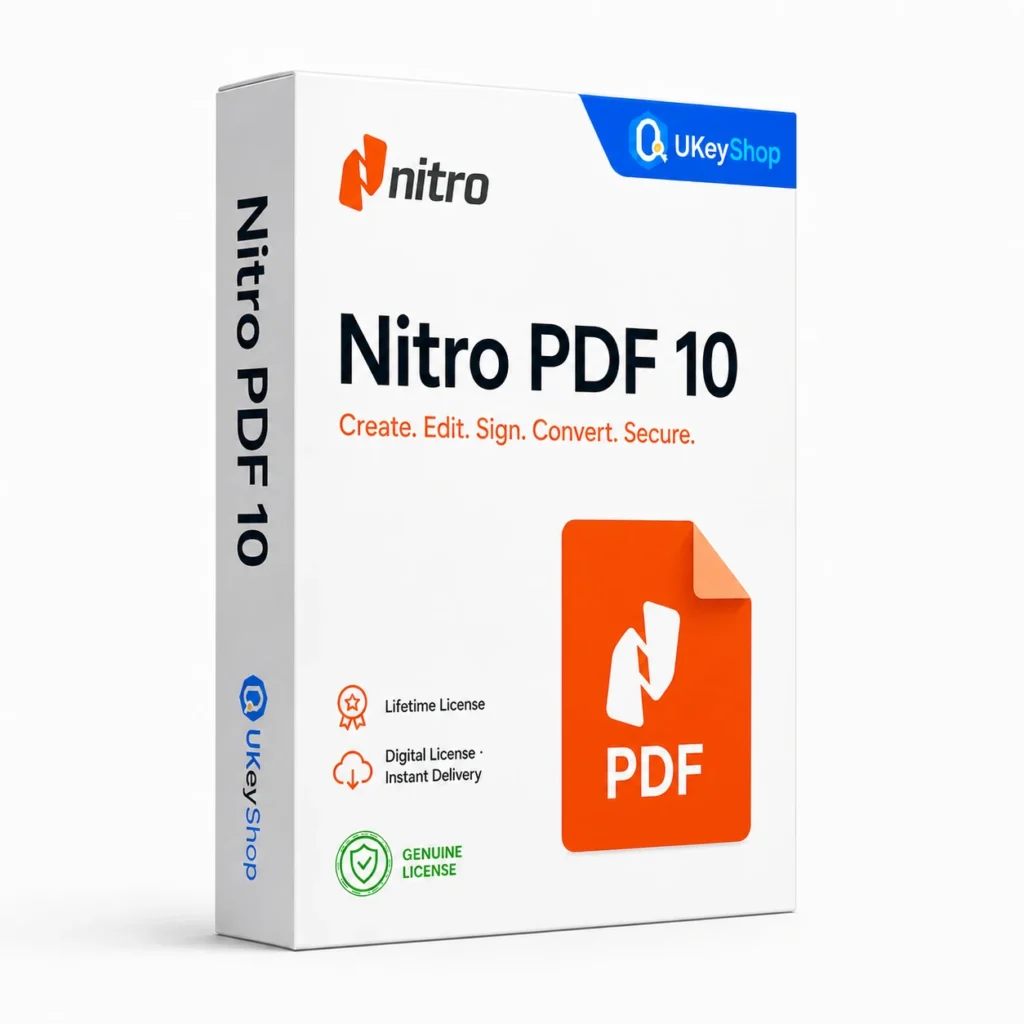
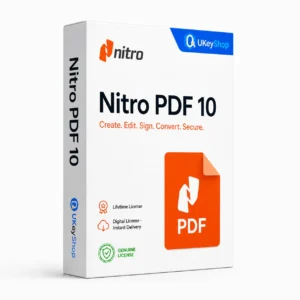
Nitro PDF 10 Pro (Lifetime): check the edition, platform, licence term and device scope before ordering. Digital delivery with clear setup guidance.
- Delivery method / timing
- Email, instant
Product details
Nitro PDF 10 Pro
Nitro Pro 10 is a legacy Windows PDF application. Its archived getting-started guide covers PDF creation, file combining, form fields, OCR and redaction. It suits an established version-10 workflow, but a legacy offer should not imply current cloud services or compatibility that has not been checked for this release.
What this edition is for
Choose this application by the task and the named edition, rather than assuming every product from the same brand is interchangeable. Check a representative file or project and the supported platform before replacing an existing installation.
Useful capabilities
- Combine documents into a single PDF packet for review or delivery.
- Work with fillable form fields and text-based document tasks.
- Use the documented OCR or redaction workflow when the task needs more than basic viewing.
| Application | Nitro PDF 10 Pro |
|---|---|
| Workflow | PDF software |
Who should consider it
A useful fit for an existing legacy requirement after release-specific verification.
Do not assume an assumption that the current Nitro subscription feature set applies to version 10.
A practical workflow
Start with the document task: changing text, organising pages, converting content and recognising a scan are different requirements. Keep the original document while testing the result, and inspect layouts and figures after conversion. An image of a signature is not automatically the same as a certificate-based digital signature. Confidential documents also need an appropriate storage and sharing workflow, not just an editing application.
System requirements and compatibility
Check the publisher’s documentation for the named release before installing. The supported operating system, processor, memory, graphics, storage and any host application need to fit the actual computer. Minimum requirements do not guarantee comfortable performance for every project.
Publisher references: official product or release documentation.
Installation and activation
- Confirm the application release and download its matching official installer.
- Use the vendor’s application, account or licence-manager activation route for the entitlement supplied.
- Verify the edition and access status inside the correct application before moving an important project into it.
Licence details to check before purchase
The software feature set and the licence entitlement are separate. Confirm the permitted users, devices or cores, activation region, duration and start date, account ownership, and any transfer or upgrade rights for this particular offer. Online services, add-ons and major upgrades should only be expected when the supplied entitlement includes them.
Compare related options
Frequently asked questions
Why does version-specific documentation matter?
A newer product page does not prove the capabilities, compatibility or support status of this legacy release.
How do I check whether this offer matches my computer?
Match the application name, edition and release first, then review the publisher’s platform and hardware requirements. For bundles, check every component. If the licence type or account eligibility is unclear, clarify it before ordering.
Does the licence include every future upgrade or online service?
Only if the supplied entitlement explicitly covers it. Continuing use of a desktop release, access to an online service and an upgrade to a newer generation are different rights.
Product & licence information
- Activation region
- Worldwide
- Delivery method / timing
- Email, instant
- SKU
- UKEYSHOP824523382
Need clarification on the licence channel, term or device scope? Ask us before ordering; do not assume rights that are not stated in this listing. Ask about this product
What's included
- Product listingNitro PDF 10 Pro (Lifetime): check the edition, platform, licence term and device scope before ordering. Digital delivery with clear setup guidance.
- Delivery informationCheck your order confirmation for fulfilment details and any supplied instructions.
- Need help?Contact support with your order number and product name.
How activation works
Customer reviews
3 reviews for Nitro PDF 10 Pro (Lifetime)
Only logged in customers who have purchased this product may leave a review.
Related products
-
Sale
 PDF EditorAdd to cart
PDFChef by Movavi (Mac)
Original price was: $89.90.$29.90Current price is: $29.90. -
Sale
 PDF EditorAdd to cart
Abbyy FineReader 16 Standard (Mac, Subscription)
Original price was: $109.90.$49.90Current price is: $49.90. -
Sale
 PDF EditorAdd to cart
Wondershare PDFelement Pro (Lifetime)
Original price was: $69.90.$24.90Current price is: $24.90. -
Sale
 PDF EditorAdd to cart
Adobe Acrobat Pro 2024 (Lifetime)
Original price was: $399.90.$99.90Current price is: $99.90.
Marta Berrada –
Genuine key
Nitro PDF 10 Pro (Lifetime) key delivered in a few minutes. Activated the full version immediately — no more trial limitations. Does everything I need for document work. Will come back for my next license.
Amine22 –
Smooth activation
Switched from an expensive subscription to Nitro PDF 10 Pro (Lifetime). Activation was instant and the software is genuine. Very satisfied. Overall good experience. Activation needed one extra step on my machine but the included guide covered it.
Piotr Tanaka –
Works, minor issue
Took me a minute to find the download link, but support replied fast and everything activated fine.