
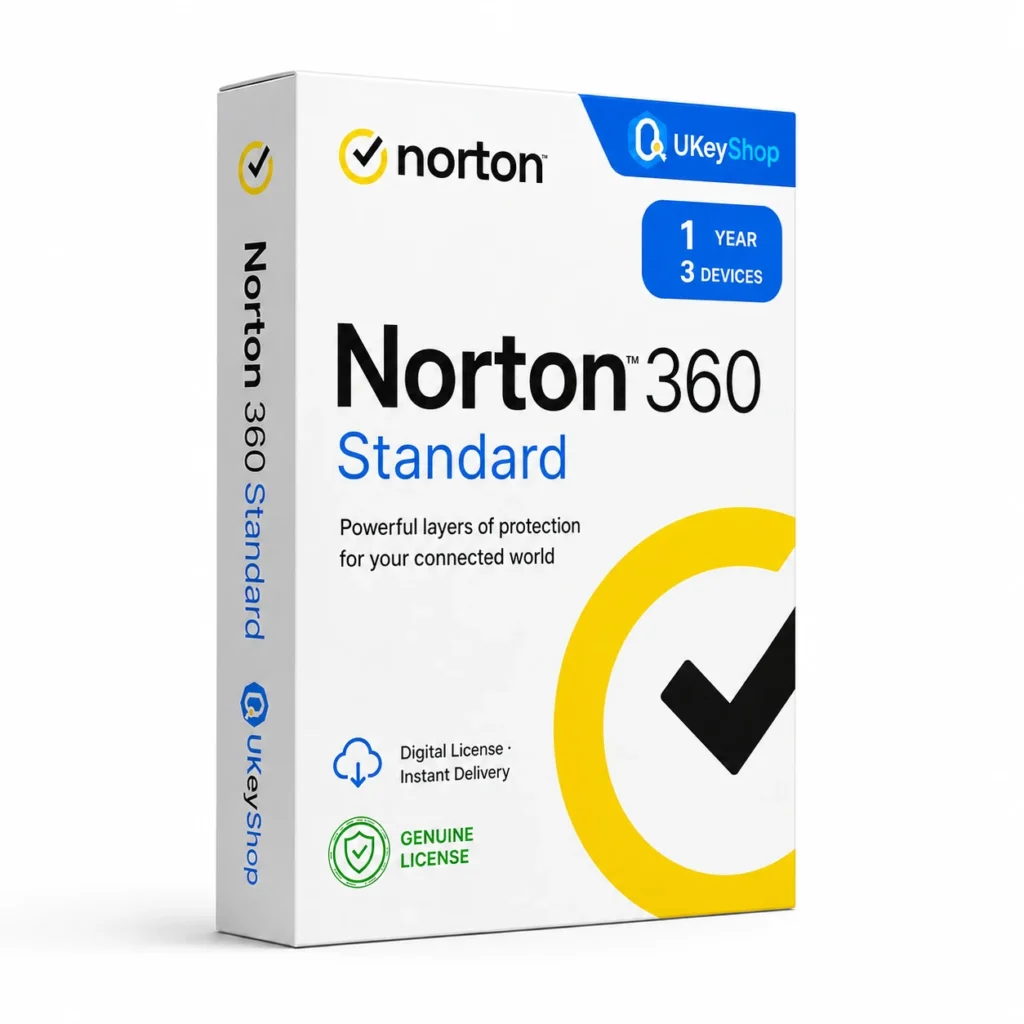
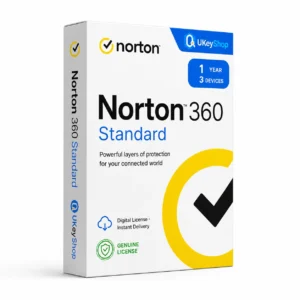
Norton 360 Standard (1 Year, 3 Devices): check the edition, platform, licence term and device scope before ordering. Digital delivery with clear setup guidance.
- Delivery method / timing
- Email, instant
Product details
Norton 360 Standard (1 Year, 3 Devices)
Norton 360 is intended to add security protection to compatible devices. Standard, Deluxe and Premium are separate plans. Some extras depend on the operating system, subscription and market, so cloud-backup or VPN allowances should be specified rather than assumed. Choose coverage around the devices and activities you actually need to protect; an edition name alone does not establish the number of seats, regional eligibility or renewal arrangement.
What this edition is for
Choose this application by the task and the named edition, rather than assuming every product from the same brand is interchangeable. Check a representative file or project and the supported platform before replacing an existing installation.
Useful capabilities
- Add a security layer to everyday browsing and application use on supported systems.
- Organise protection around the computers and mobile devices you own rather than assuming all platforms use the same app.
- Review an existing subscription before replacement so account and device coverage are not confused.
| Application | Norton 360 Standard (1 Year, 3 Devices) |
|---|---|
| Workflow | Security |
Who should consider it
A useful fit for users who need the stated security product for compatible devices.
Do not assume a guarantee against every threat or an identical feature set on every operating system.
A practical workflow
List the actual devices, operating systems and existing security subscriptions before choosing coverage. Use the vendor’s platform guide to see which features apply to each device. Keep account ownership and the subscription expiry visible so protection does not rely on an unexplained shared account. Security software is one layer: updates, careful account management and a separate backup are still part of protecting important information.
System requirements and compatibility
Check the publisher’s documentation for the named release before installing. The supported operating system, processor, memory, graphics, storage and any host application need to fit the actual computer. Minimum requirements do not guarantee comfortable performance for every project.
Publisher references: official product or release documentation.
Installation and activation
- Confirm the application release and download its matching official installer.
- Use the vendor’s application, account or licence-manager activation route for the entitlement supplied.
- Verify the edition and access status inside the correct application before moving an important project into it.
Licence details to check before purchase
The software feature set and the licence entitlement are separate. Confirm the permitted users, devices or cores, activation region, duration and start date, account ownership, and any transfer or upgrade rights for this particular offer. Online services, add-ons and major upgrades should only be expected when the supplied entitlement includes them.
Compare related options
Frequently asked questions
Does the same plan provide identical protection on PC, Mac and iPhone?
No. Operating systems expose different capabilities, and security products differ by platform. Treat the vendor’s platform-specific feature comparison as part of choosing the plan.
How do I check whether this offer matches my computer?
Match the application name, edition and release first, then review the publisher’s platform and hardware requirements. For bundles, check every component. If the licence type or account eligibility is unclear, clarify it before ordering.
Does the licence include every future upgrade or online service?
Only if the supplied entitlement explicitly covers it. Continuing use of a desktop release, access to an online service and an upgrade to a newer generation are different rights.
Product & licence information
- Activation region
- Worldwide
- Delivery method / timing
- Email, instant
- SKU
- UKEYSHOP148463766
Need clarification on the licence channel, term or device scope? Ask us before ordering; do not assume rights that are not stated in this listing. Ask about this product
What's included
- Product listingNorton 360 Standard (1 Year, 3 Devices): check the edition, platform, licence term and device scope before ordering. Digital delivery with clear setup guidance.
- Delivery informationCheck your order confirmation for fulfilment details and any supplied instructions.
- Need help?Contact support with your order number and product name.
How activation works
Customer reviews
5 reviews for Norton 360 Standard (1 Year, 3 Devices)
Only logged in customers who have purchased this product may leave a review.
Related products
-
Sale
 NortonAdd to cart
Norton 360 Premium (1 Year, 10 Devices)
Original price was: $59.90.$22.90Current price is: $22.90. -
Sale
 NortonAdd to cart
Norton 360 Standard - PC/MAC/ANDROID/IOS
Original price was: $67.13.$21.31Current price is: $21.31. -
Sale
 NortonAdd to cart
Norton 360 Deluxe - PC/MAC/ANDROID/IOS
Original price was: $85.25.$26.63Current price is: $26.63. -
Sale
 NortonAdd to cart
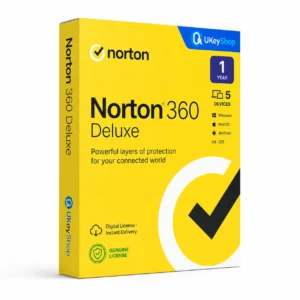
Norton 360 Deluxe (1 Year, 5 Devices)
Original price was: $49.90.$16.90Current price is: $16.90.
Aya Sato –
Would buy again
Renewed my protection with Norton 360 Standard (1 Year, 3 Devices) at a fraction of the renewal price. Code worked first time, no region issues.
Antoine N. –
Great value
Renewed my protection with Norton 360 Standard (1 Year, 3 Devices) at a fraction of the renewal price. Code worked first time, no region issues.
Yassine Ward –
Instant delivery, zero issues
Renewed my protection with Norton 360 Standard (1 Year, 3 Devices) at a fraction of the renewal price. Code worked first time, no region issues.
Zoe36 –
Perfect
Was paying full price every year before finding this shop. Norton 360 Standard (1 Year, 3 Devices) key is genuine, activated online in seconds.
Grace Davis –
Five stars
Was paying full price every year before finding this shop. Norton 360 Standard (1 Year, 3 Devices) key is genuine, activated online in seconds. Recommended.