
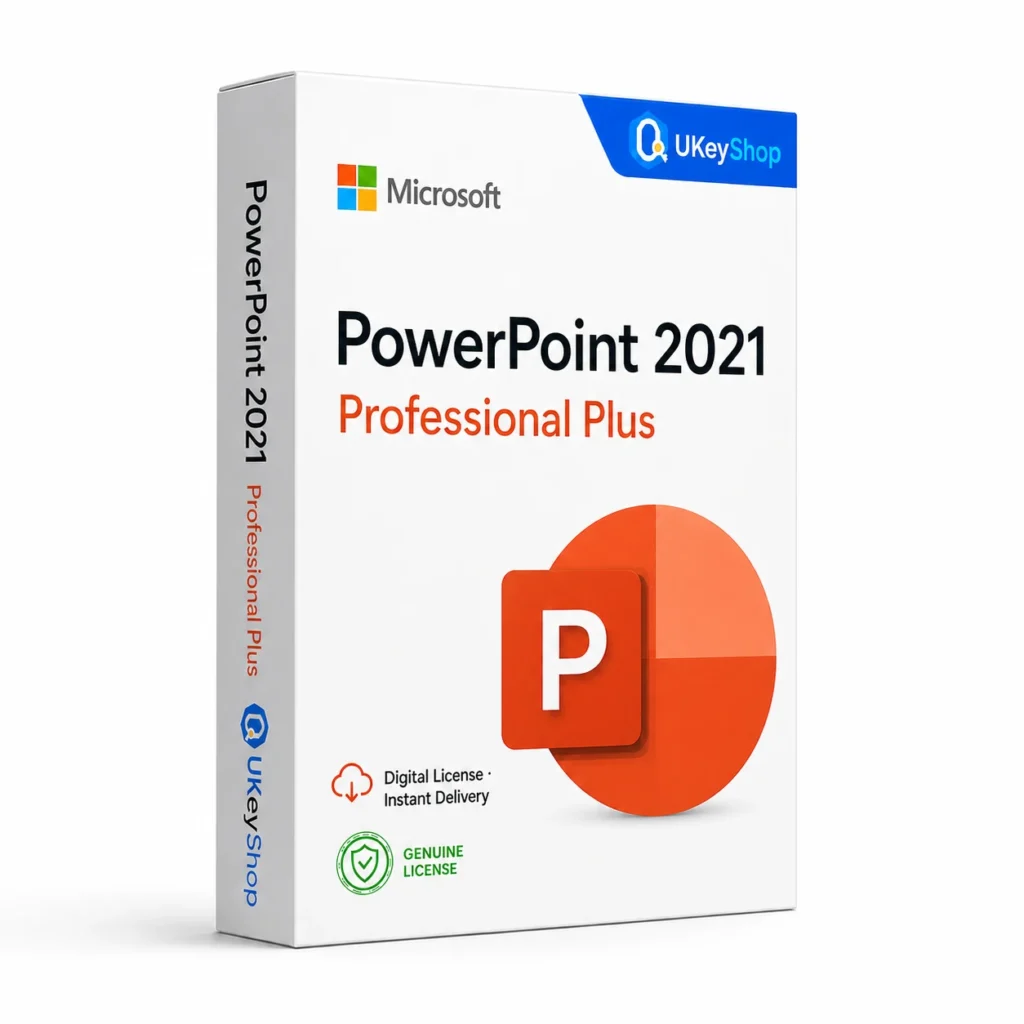
PowerPoint 2021: check the edition, platform, licence term and device scope before ordering. Digital delivery with clear setup guidance.
- Users / devices
- 1 PC
- Delivery method / timing
- Email, instant
- ✓ Windows 10/11
Product details
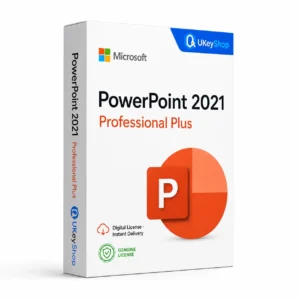
PowerPoint 2021
PowerPoint helps turn ideas, research and business updates into a slide presentation. It suits users who need a repeatable way to explain information to an audience rather than a long written document. The right release is the one that supports your existing presentations and the systems used to deliver them.
What this edition is for
Choose this application by the task and the named edition, rather than assuming every product from the same brand is interchangeable. Check a representative file or project and the supported platform before replacing an existing installation.
Useful capabilities
- Organise a presentation into a clear sequence with one purpose for each slide.
- Reuse a consistent visual layout for training material and recurring business updates.
- Prepare separate presenter and audience versions when your delivery workflow requires them.
| Application | PowerPoint 2021 |
|---|---|
| Workflow | Office applications |
| Named release | 2021 |
Who should consider it
A useful fit for presentations, lessons, pitches and internal briefings.
Do not assume a video-editing suite or the complete Office bundle.
A practical workflow
Begin with a representative file and the task you need the application to perform. Keep the original copy while testing a new installation, particularly when add-ins or macros are involved. A standalone application can be a focused purchase, but compare the cost and scope of a suite when your work regularly crosses documents, spreadsheets, presentations or email. Install the matching platform and release, not whichever installer is easiest to find.
System requirements and compatibility
Check the publisher’s documentation for the named release before installing. The supported operating system, processor, memory, graphics, storage and any host application need to fit the actual computer. Minimum requirements do not guarantee comfortable performance for every project.
Publisher references: official product or release documentation · additional publisher guidance.
Installation and activation
- Confirm the exact application, release, platform and licensing channel before installing.
- Use the official account, redemption or organisation-deployment route appropriate to the supplied entitlement.
- Open the matching application and verify activation there. A Windows operating-system Activation screen is not the Office activation route.
Licence details to check before purchase
The software feature set and the licence entitlement are separate. Confirm the permitted users, devices or cores, activation region, duration and start date, account ownership, and any transfer or upgrade rights for this particular offer. Online services, add-ons and major upgrades should only be expected when the supplied entitlement includes them.
Compare related options
Frequently asked questions
Should I choose PowerPoint alone or an Office suite?
Choose the standalone app for a presentation-only requirement. A suite is more relevant when your slides are part of a regular Word and Excel workflow.
How do I check whether this offer matches my computer?
Match the application name, edition and release first, then review the publisher’s platform and hardware requirements. For bundles, check every component. If the licence type or account eligibility is unclear, clarify it before ordering.
Does the licence include every future upgrade or online service?
Only if the supplied entitlement explicitly covers it. Continuing use of a desktop release, access to an online service and an upgrade to a newer generation are different rights.
Product & licence information
- Licence channel / type
- Retail, lifetime
- Users / devices
- 1 PC
- Activation region
- Worldwide
- Delivery method / timing
- Email, instant
- Activation method
- Office activation wizard
- SKU
- UKEYSHOP406026040
Need clarification on the licence channel, term or device scope? Ask us before ordering; do not assume rights that are not stated in this listing. Ask about this product
What's included
- Product listingPowerPoint 2021: check the edition, platform, licence term and device scope before ordering. Digital delivery with clear setup guidance.
- Delivery informationCheck your order confirmation for fulfilment details and any supplied instructions.
- Need help?Contact support with your order number and product name.
How activation works
Customer reviews
2 reviews for PowerPoint 2021
Only logged in customers who have purchased this product may leave a review.
Complete your setup
The selection could not be fully added. Check your cart before retrying to avoid duplicate items. View cart
Related products
-
Sale
 ServerAdd to cart
Windows Server 2025 Standard
Original price was: $499.99.$189.99Current price is: $189.99. -
Sale
 Office AppsAdd to cart
Outlook 2021
Original price was: $124.69.$63.94Current price is: $63.94. -
Sale
 Office AppsAdd to cart
Visio 2016 Professional
Original price was: $702.35.$191.83Current price is: $191.83. -
Sale
 OfficeAdd to cart
Microsoft 365 Personal
Original price was: $89.99.$49.99Current price is: $49.99.
Chris Michel –
Instant delivery, zero issues
Great experience. PowerPoint 2021 was delivered by email in minutes and the activation guide made everything easy.
Sophie Taylor –
Best price I found
Key for PowerPoint 2021 arrived in 2 minutes and activated on the first try. Genuine license, exactly as described. Would buy again.