
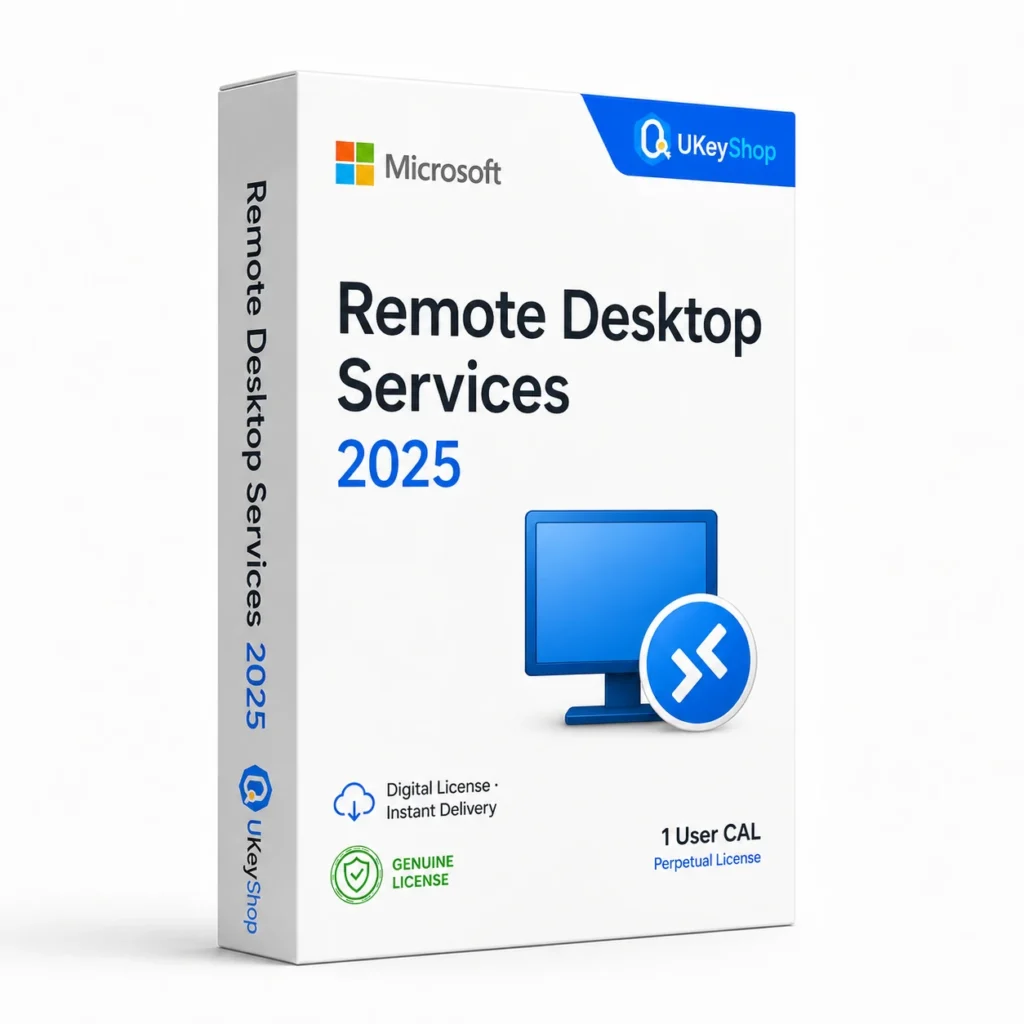
Remote Desktop Services 2025 access licensing for Windows Server. Compare User and Device CALs; this is not a 16-core server operating-system licence.
- Delivery method / timing
- Email, instant
Product details
Microsoft Remote Desktop Services 2025: understand the access licence
Plan Remote Desktop Services 2025 access as part of a Windows Server 2025 deployment or migration. The required CAL type, licence-server compatibility and licensed user or device count must match your environment. Buying an RDS access licence does not replace the server operating-system licence or its physical-core coverage.
Choose by the way people connect
- Per-user access can suit a named person working from different devices.
- Per-device access can suit a shared terminal used by several people across shifts.
- Plan access licences separately from the Windows Server licence and any other access or application rights your deployment requires.
| Target server generation | Windows Server 2025 |
|---|---|
| Licence metric | User CAL or Device CAL; the supplied type and quantity must match the order |
| Not included by an RDS CAL | Windows Server operating-system licence, processor-core coverage or application licences |
| Deployment | Remote Desktop Licensing server and a correctly configured RDS environment |
| Reference SKU | UKEYSHOP420069476 |
Prepare the licence server for the 2025 generation
A newer CAL still needs a licence server that supports its generation. Microsoft’s compatibility matrix distinguishes CAL version, session-host version and licence-server version; upgrading only one component may leave an incompatible deployment. Review the official CAL and licence-server matrix as part of your rollout.
Installation and licence management
RDS licences are managed in the server deployment, not by entering the code into a desktop Windows activation screen. Have your administrator follow Microsoft’s User, Device and service-provider licensing guidance and the applicable agreement. Record the supplied access model and quantity before installing a licence pack.
Questions before you buy
Is this a Windows Server 16-core pack?
No. RDS access licences and server core licences perform different jobs. Do not use one as a substitute for the other.
Does this cover unlimited users?
No unlimited access is promised. The number of licensed users or devices must match the order and deployment.
Can a 2025 CAL be used with an older session host?
Microsoft’s matrix permits newer CALs with supported older session-host generations, but the licence server must also support the CAL version. Compare RDS 2022 only after checking the whole deployment.
Product & licence information
- Activation region
- Worldwide
- Delivery method / timing
- Email, instant
- SKU
- UKEYSHOP420069476
Need clarification on the licence channel, term or device scope? Ask us before ordering; do not assume rights that are not stated in this listing. Ask about this product
What's included
- Product listingRemote Desktop Services 2025 access licensing for Windows Server. Compare User and Device CALs; this is not a 16-core server operating-system licence.
- Delivery informationCheck your order confirmation for fulfilment details and any supplied instructions.
- Need help?Contact support with your order number and product name.
How activation works
Customer reviews
3 reviews for Microsoft Remote Desktop Services 2025
Only logged in customers who have purchased this product may leave a review.
Related products
-
Sale
 Office 2021Add to cart
Office 2021 Home & Student
Original price was: $133.21.$94.85Current price is: $94.85. -
Sale
 Office AppsAdd to cart
PowerPoint 2021
Original price was: $124.69.$63.94Current price is: $63.94. -
Sale
 ServerAdd to cart
Windows Server 2025 Standard
Original price was: $499.99.$189.99Current price is: $189.99. -
Sale
 Office 2016Add to cart
Office 2016 Professional Plus
Original price was: $116.16.$53.28Current price is: $53.28.
Camila Bouziane –
Great support
Deployed Microsoft Remote Desktop Services 2025 on our company server. Key activated through Microsoft’s licensing portal without issue. Documentation provided was helpful.
Marta P. –
No complaints
Purchased Microsoft Remote Desktop Services 2025 for a client’s infrastructure. Delivered in less than 10 minutes, activated online, passed all validation. Professional service. A+ seller.
Sara48 –
Impressed
Running Microsoft Remote Desktop Services 2025 in production for a month now. Activation was instant and the license is fully genuine. Great for small business budgets.