
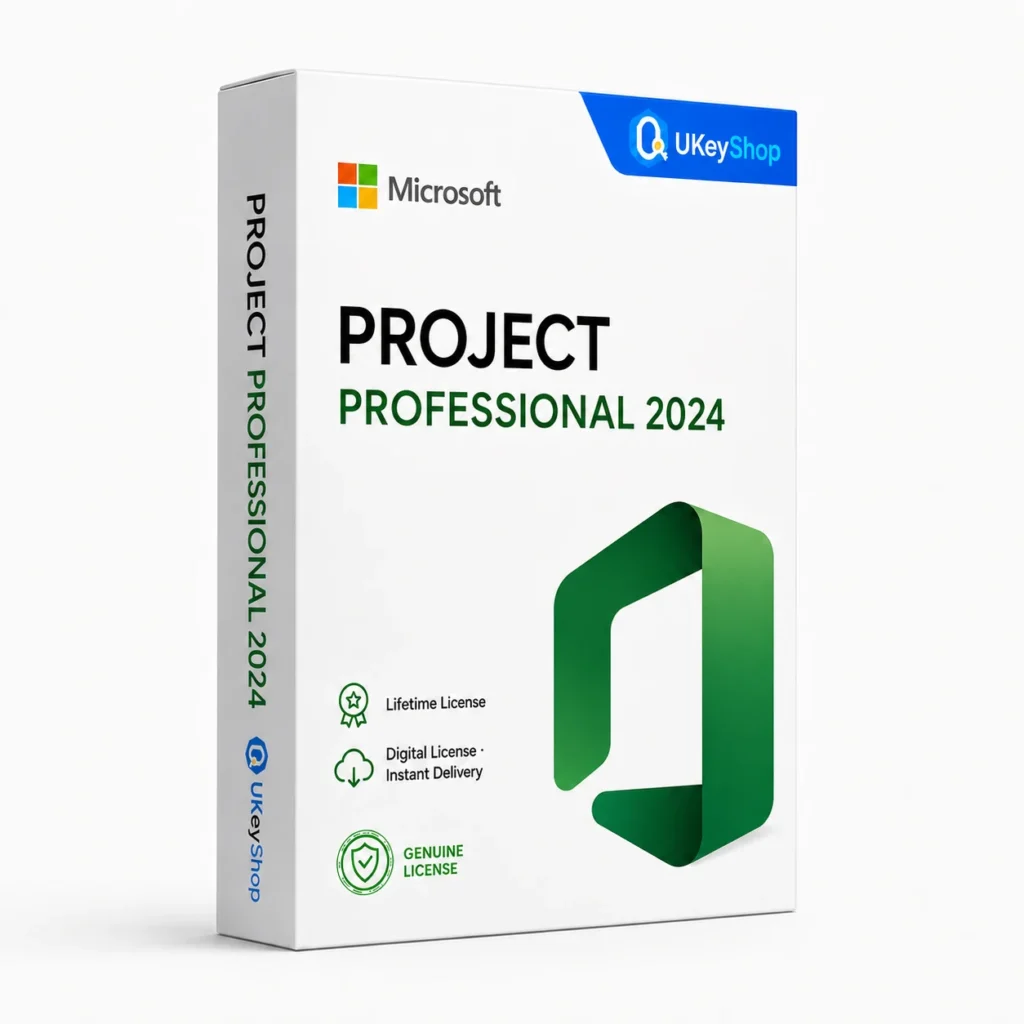
Project Professional 2024: check the edition, platform, licence term and device scope before ordering. Digital delivery with clear setup guidance.
Product details
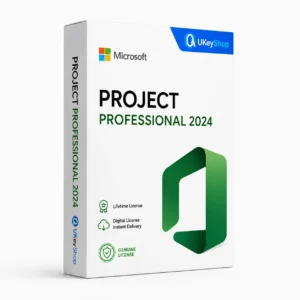
Project Professional 2024
Microsoft Project is a desktop tool for building and maintaining a project schedule. Tasks, dates, dependencies and resource decisions can be kept together rather than scattered across separate lists. Standard and Professional target different requirements, so the edition matters more than the word “Project” alone.
What this edition is for
Professional is the broader desktop scheduling comparison. It still does not supply an entire Project Server environment or its access entitlement.
Useful capabilities
- Plan work around task relationships and milestones instead of treating a deadline as an isolated date.
- Compare the working schedule with a baseline to understand what changed.
- Make resource and cost assumptions visible so a schedule can be reviewed and updated.
| Application | Project Professional 2024 |
|---|---|
| Workflow | Project management |
| Named release | 2024 |
Who should consider it
A useful fit for people managing a structured desktop project schedule.
Do not assume an automatically included Project Server deployment or every online Planner service.
A practical workflow
Start with the task you need to finish and a representative project or file. Keep an original copy while testing a different application or release, and review the saved output before relying on it. Select the exact edition and platform used in the workflow rather than assuming every product under the same brand behaves identically. Additional services, plug-ins and future upgrades are separate offer details unless they are expressly included.
System requirements and compatibility
Check the publisher’s documentation for the named release before installing. The supported operating system, processor, memory, graphics, storage and any host application need to fit the actual computer. Minimum requirements do not guarantee comfortable performance for every project.
Publisher references: official product or release documentation.
Installation and activation
- Confirm the exact application, release, platform and licensing channel before installing.
- Use the official account, redemption or organisation-deployment route appropriate to the supplied entitlement.
- Open the matching application and verify activation there. A Windows operating-system Activation screen is not the Office activation route.
Licence details to check before purchase
The software feature set and the licence entitlement are separate. Confirm the permitted users, devices or cores, activation region, duration and start date, account ownership, and any transfer or upgrade rights for this particular offer. Online services, add-ons and major upgrades should only be expected when the supplied entitlement includes them.
Compare related options
- Microsoft Project Professional 2024
- Microsoft Project Standard 2024
- Microsoft Visio Professional 2024
- Office range
Frequently asked questions
Is Project Professional the same as Project Server?
No. A desktop Project application and a Project Server deployment are separate products. Professional has additional capabilities, but server access and licensing need their own assessment.
How do I check whether this offer matches my computer?
Match the application name, edition and release first, then review the publisher’s platform and hardware requirements. For bundles, check every component. If the licence type or account eligibility is unclear, clarify it before ordering.
Does the licence include every future upgrade or online service?
Only if the supplied entitlement explicitly covers it. Continuing use of a desktop release, access to an online service and an upgrade to a newer generation are different rights.
Product & licence information
- SKU
- UKEYSHOP583523437
Need clarification on the licence channel, term or device scope? Ask us before ordering; do not assume rights that are not stated in this listing. Ask about this product
What's included
- Product listingProject Professional 2024: check the edition, platform, licence term and device scope before ordering. Digital delivery with clear setup guidance.
- Delivery informationCheck your order confirmation for fulfilment details and any supplied instructions.
- Need help?Contact support with your order number and product name.
How activation works
Customer reviews
2 reviews for Project Professional 2024
Only logged in customers who have purchased this product may leave a review.
Related products
-
Sale
 Office AppsAdd to cart
Visio 2016 Professional
Original price was: $702.35.$191.83Current price is: $191.83. -
Sale
 Office 2019Add to cart
Office 2019 Professional Plus
Original price was: $159.86.$84.19Current price is: $84.19. -
Sale
 Windows 11Add to cart
Windows 11 Home
Original price was: $151.33.$53.28Current price is: $53.28. -
Sale
 Office AppsAdd to cart
Outlook 2021
Original price was: $124.69.$63.94Current price is: $63.94.
Paula Simon –
Best price I found
Key for Project Professional 2024 arrived in about 5 minutes and activated on the first try. Genuine license, exactly as described. Would buy again. Will come back for my next license.
Tomas C. –
Very satisfied
Key for Project Professional 2024 arrived in about 5 minutes and activated on the first try. Genuine license, exactly as described. Would buy again.