
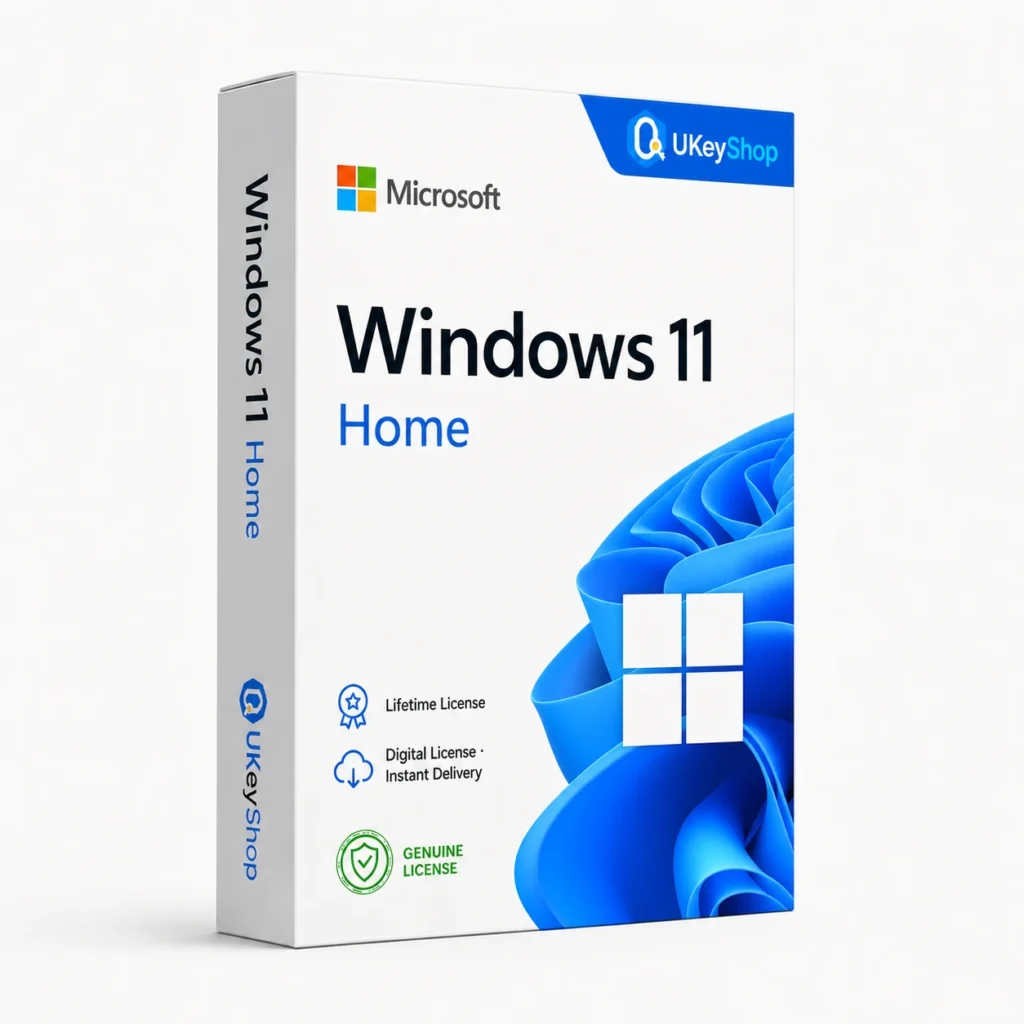
Windows 11 Home: check the edition, platform, licence term and device scope before ordering. Digital delivery with clear setup guidance.
- Users / devices
- 1 PC
- Delivery method / timing
- Email, instant
- ✓ Windows 10/11
Product details
Windows 11 Home
Windows is the operating system that runs your PC, manages its hardware and gives desktop applications a place to work. Choose the version and edition around the computer you have and the tasks you need to do, rather than assuming every Windows key unlocks the same features.
What this edition is for
Home is the consumer edition comparison for ordinary PC tasks. Choose Pro instead when the installation specifically needs its business administration or incoming Remote Desktop host capabilities.
Useful capabilities
- Keep applications and files in a familiar desktop environment, with separate user accounts for shared computers.
- Build a workstation around compatible hardware, drivers and peripherals instead of relying on an unsupported installation.
- Choose a Home, Pro or enterprise deployment deliberately; business administration features are edition-dependent.
| Application | Windows 11 Home |
|---|---|
| Workflow | Operating systems |
| Named platform | Windows — check release-specific requirements |
| Base hardware reference | Compatible 64-bit processor, at least 4GB RAM and 64GB storage, TPM 2.0 and the required firmware/graphics support. Check Microsoft’s complete compatibility list. |
Who should consider it
A useful fit for a PC installation, an edition change or a planned replacement for an existing Windows deployment.
Do not assume a Mac-native operating system, an Office application bundle or a promise that any old PC will meet newer Windows requirements.
A practical workflow
Start with the hardware and installed edition, then list the applications and peripherals the PC must support. Back up the existing files before a system change and use the matching official installation route. After installation, verify activation and drivers before treating the computer as ready for everyday work. A key should not be used to bypass a hardware requirement or an organisation’s deployment policy.
System requirements and compatibility
Check the publisher’s documentation for the named release before installing. The supported operating system, processor, memory, graphics, storage and any host application need to fit the actual computer. Minimum requirements do not guarantee comfortable performance for every project.
Publisher references: official product or release documentation · additional publisher guidance · additional publisher guidance.
Installation and activation
- Back up the PC and check the exact installed edition and hardware eligibility.
- Use the official Windows installer or an eligible edition-upgrade route.
- Enter the supplied compatible entitlement through Windows Activation and verify the status; use Microsoft’s troubleshooting route if activation fails.
Licence details to check before purchase
The software feature set and the licence entitlement are separate. Confirm the permitted users, devices or cores, activation region, duration and start date, account ownership, and any transfer or upgrade rights for this particular offer. Online services, add-ons and major upgrades should only be expected when the supplied entitlement includes them.
Compare related options
Frequently asked questions
Does a Windows licence include Microsoft Office?
No. Windows runs the computer; Office supplies productivity applications. Office is a separate product unless a bundle explicitly names it.
How do I check whether this offer matches my computer?
Match the application name, edition and release first, then review the publisher’s platform and hardware requirements. For bundles, check every component. If the licence type or account eligibility is unclear, clarify it before ordering.
Does the licence include every future upgrade or online service?
Only if the supplied entitlement explicitly covers it. Continuing use of a desktop release, access to an online service and an upgrade to a newer generation are different rights.
Product & licence information
- Licence channel / type
- Retail, lifetime
- Users / devices
- 1 PC
- Activation region
- Worldwide
- Delivery method / timing
- Email, instant
- Activation method
- Windows Settings > Activation
- SKU
- UKEYSHOP531813710
Need clarification on the licence channel, term or device scope? Ask us before ordering; do not assume rights that are not stated in this listing. Ask about this product
What's included
- Product listingWindows 11 Home: check the edition, platform, licence term and device scope before ordering. Digital delivery with clear setup guidance.
- Delivery informationCheck your order confirmation for fulfilment details and any supplied instructions.
- Need help?Contact support with your order number and product name.
How activation works
Customer reviews
5 reviews for Windows 11 Home
Only logged in customers who have purchased this product may leave a review.
Complete your setup
The selection could not be fully added. Check your cart before retrying to avoid duplicate items. View cart
Related products
-
Sale
 Office 2021Add to cart
Office 2021 Professional Plus
Original price was: $515.84.$117.23Current price is: $117.23. -
Sale
 Office 2016Add to cart
Office 2016 Professional Plus
Original price was: $116.16.$53.28Current price is: $53.28. -
Sale
 Windows 10Add to cart
Windows 10 Professional 32/64 Bit
Original price was: $133.21.$41.56Current price is: $41.56. -
Sale
 OfficeAdd to cart
Project Professional 2024
Original price was: $189.99.$74.99Current price is: $74.99.
Ethan Caruso –
Exactly as described
Ordered at 9am, key was in my email before I finished my coffee. Windows 11 Home activated online without any workaround. Recommended.
Charlie Howard –
Best price I found
Was skeptical because of the price, but the key activated Windows 11 Home instantly through Microsoft’s servers. Did a clean install from the official ISO and everything validated. Took me a minute to find the download link, but support replied fast and everything activated fine.
Freya A. –
Great support
Ordered at midnight, key was in my email before I finished my coffee. Windows 11 Home activated online without any workaround. Recommended.
Zineb Ross –
Perfect
Ordered at 2am, key was in my email before I finished my coffee. Windows 11 Home activated online without any workaround. Recommended. Overall good experience. Activation needed one extra step on my machine but the included guide covered it.
Chris David –
Great support
Was skeptical because of the price, but the key activated Windows 11 Home instantly through Microsoft’s servers. Did a clean install from the official ISO and everything validated.